


Voices From YesWord Users
-

ぽん豆° @ponn_mame
YesWord X-20
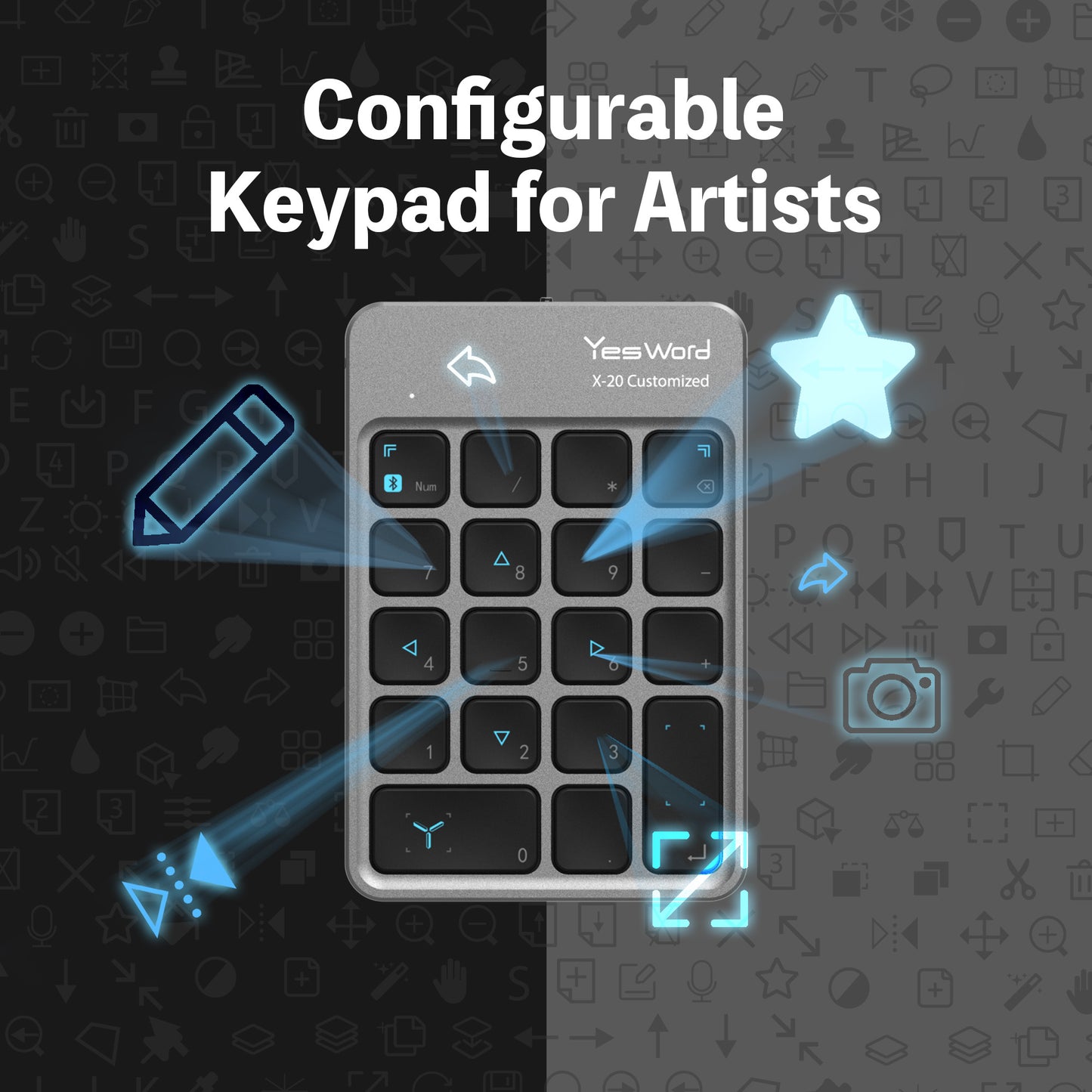
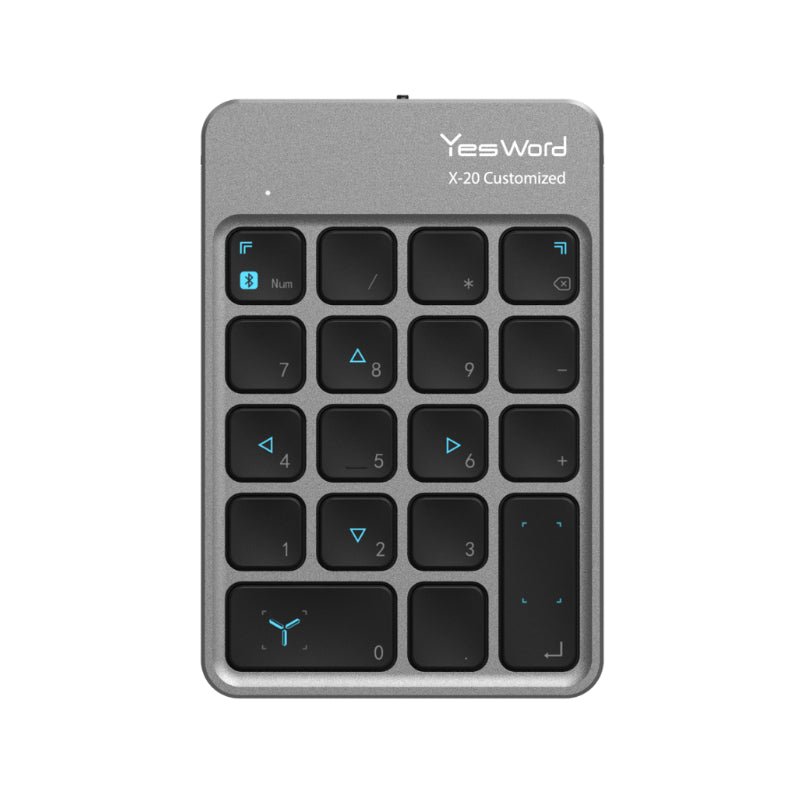
・Can configure shortcuts to any of the keys
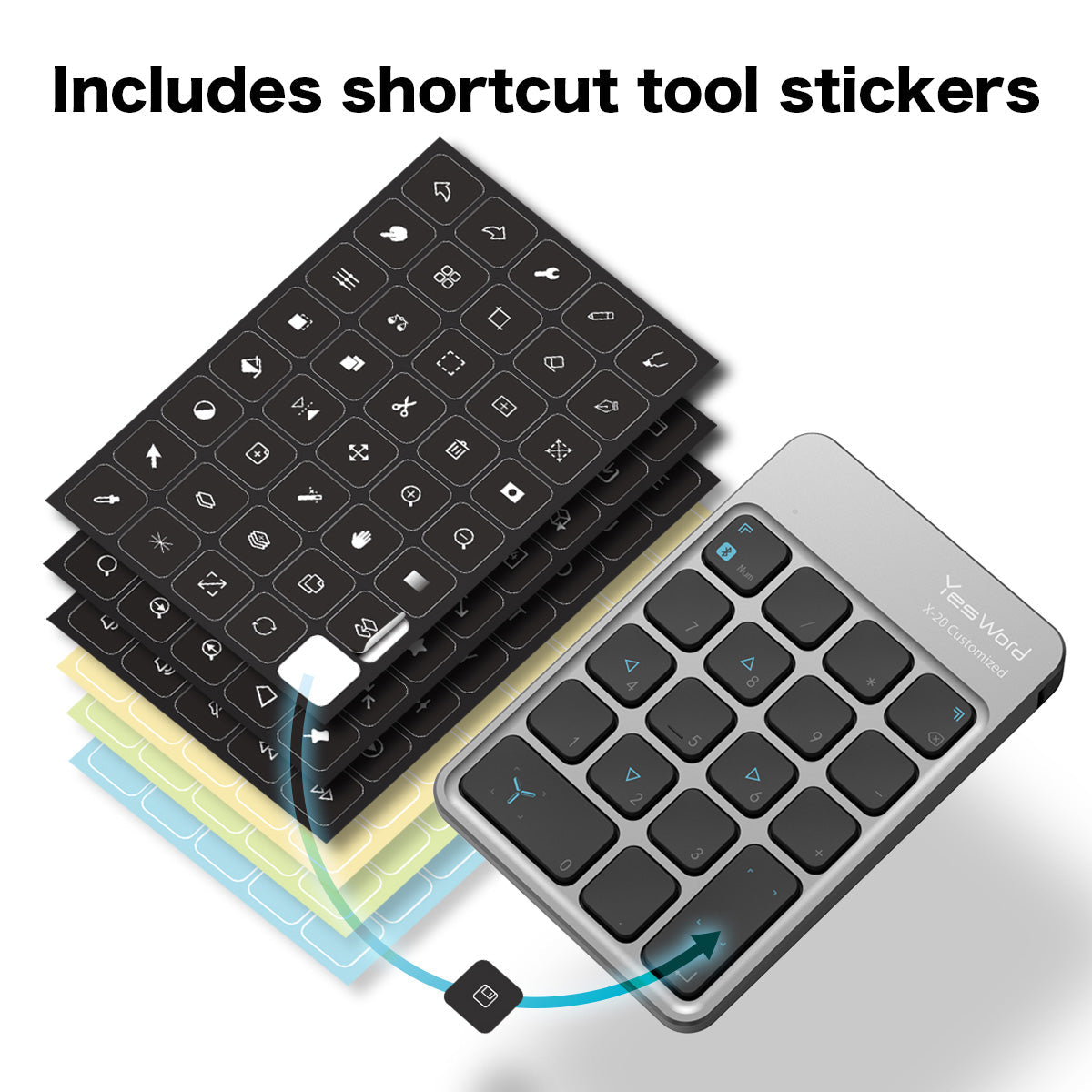
・Able to save time by customizing to my needs
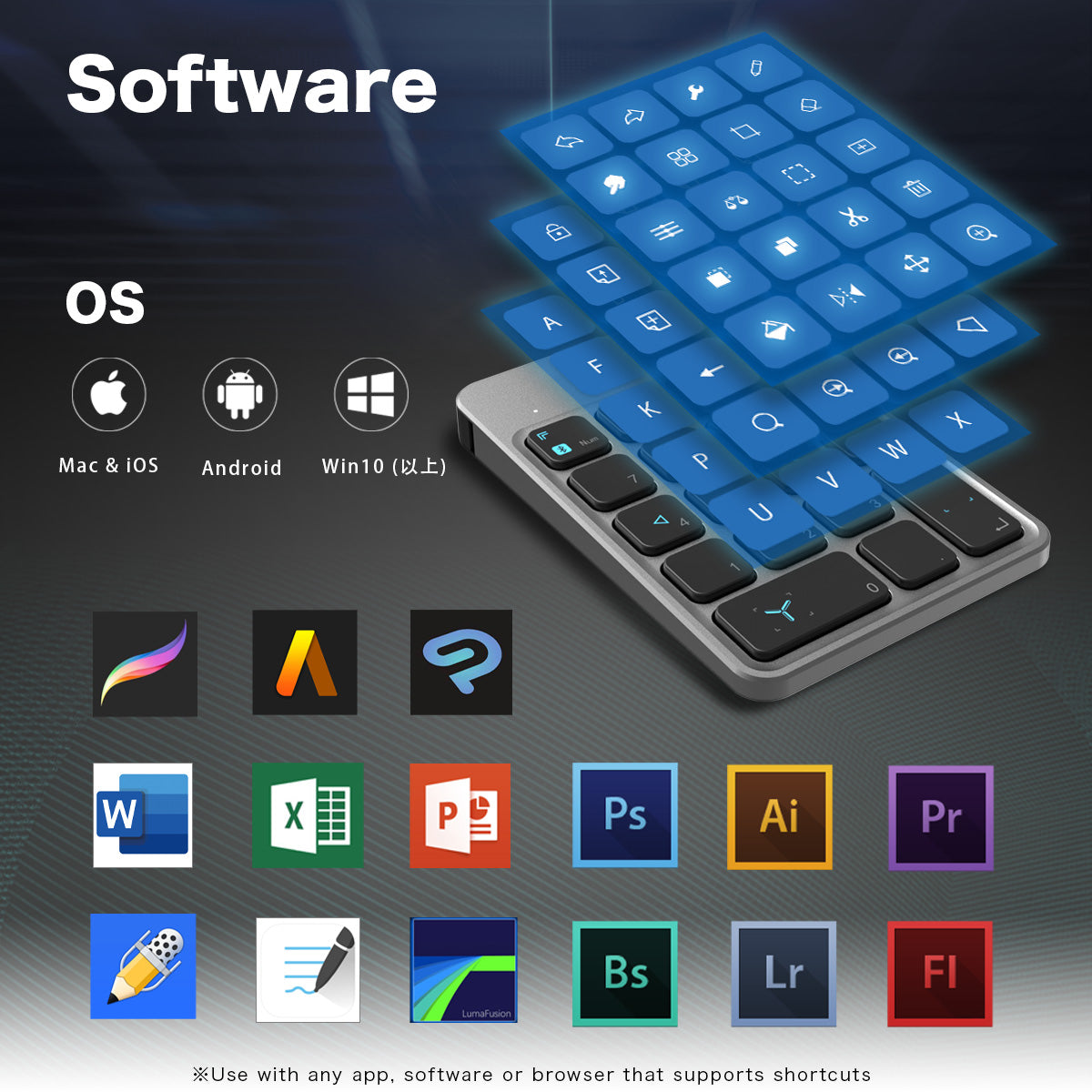
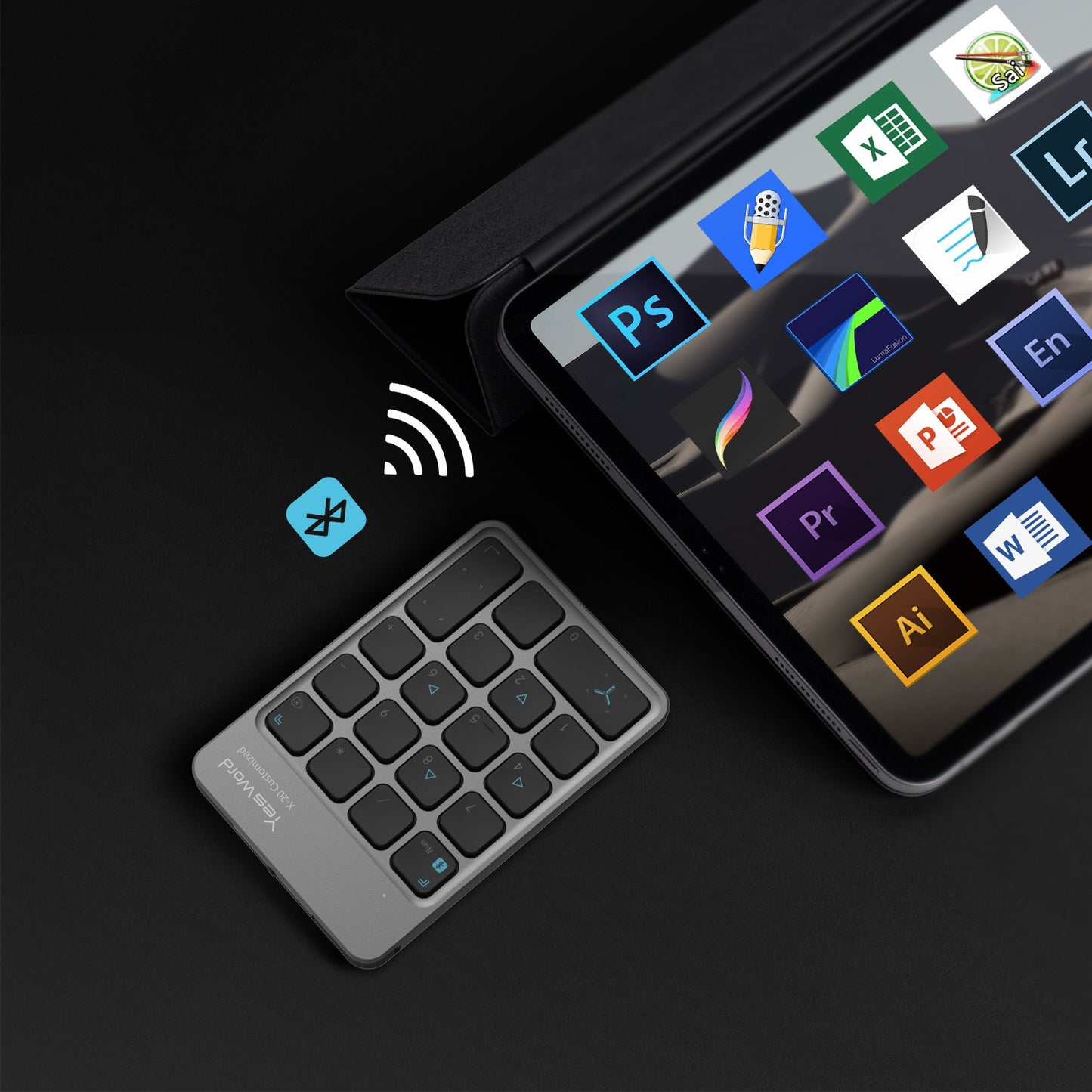
・Not limited to Procreate. Can use on almost any other AppHighly recommend!
※Translated from Japanese
-

くにたろ -𝙆𝙐𝙉𝙄𝙏𝘼𝙍𝙊- @kunitarouart
YesWord X-18
・Can change brush size with a click of a button
・Can easily switch between layers and palettes!
・Using the full screen button is extremely convenient!Trying to access all the tools within an 11 inch screen was a challenge but don't have that problem anymore!
※Translated from Japanese
-

KOEH @KOEH_illust
YesWord X-18
・Using the color picker tool is easier than ever
・Light and easy to carry aroundI use the color picking tool when thick painting a lot! Definitely recommend to Procreate users!
※Translated from Japanese
-

トネコ @toneko1225
YesWord X-18
Very handy device when using Procreate✩.*˚
When using my finger and pen for the undo tool, I sometimes go back too far. Being able to undo with a press of a button is very efficient.
I especially recommend the lasso tool and tone correction tool✩.*˚
※Translated from Japanese
-

澁海 @shibumin_
YesWord X-20
I used the YesWord X-20 to draw on Procreate and am enjoying it!
The app allows me to freely configure the layout and it's easy to use! There is also a Procreate preset which makes it easy to use!
※Translated from Japanese
-

ぽん豆° @ponn_mame
YesWord X-18
・Can easily pull up the "Quickmenu"
・Can adjust colors with a click of a buttonCan pull up almost any tool easily with my left hand which saves me a lot of time. Highly recommend to Procreate users!
※Translated from Japanese
-

くにたろ -𝙆𝙐𝙉𝙄𝙏𝘼𝙍𝙊- @kunitarouart
YesWord X-20
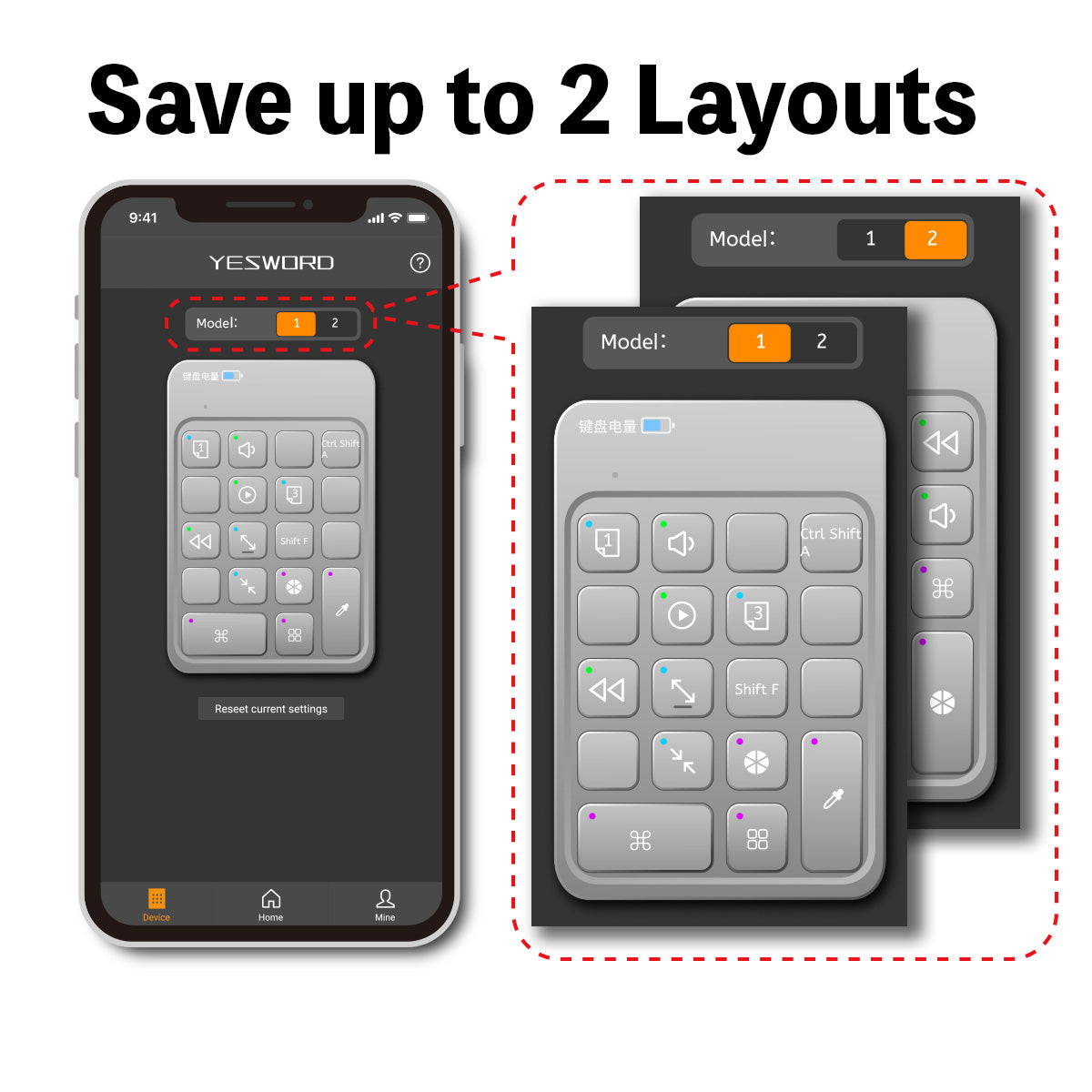
The X-18 was only for Procreate, but X-20 allows more freedom. As it allows two layouts, I can also use it for both Procreate and Clip Studio Paint.
The connection is very stable and it is helping out a lot.
※Translated from Japanese
-

KOEH @KOEH_illust
YesWord X-20
Being able to freely customize my shortcuts is very convenient!
Very happy to be able to change the position of the"undo" position on my keypad !
※Translated from Japanese


